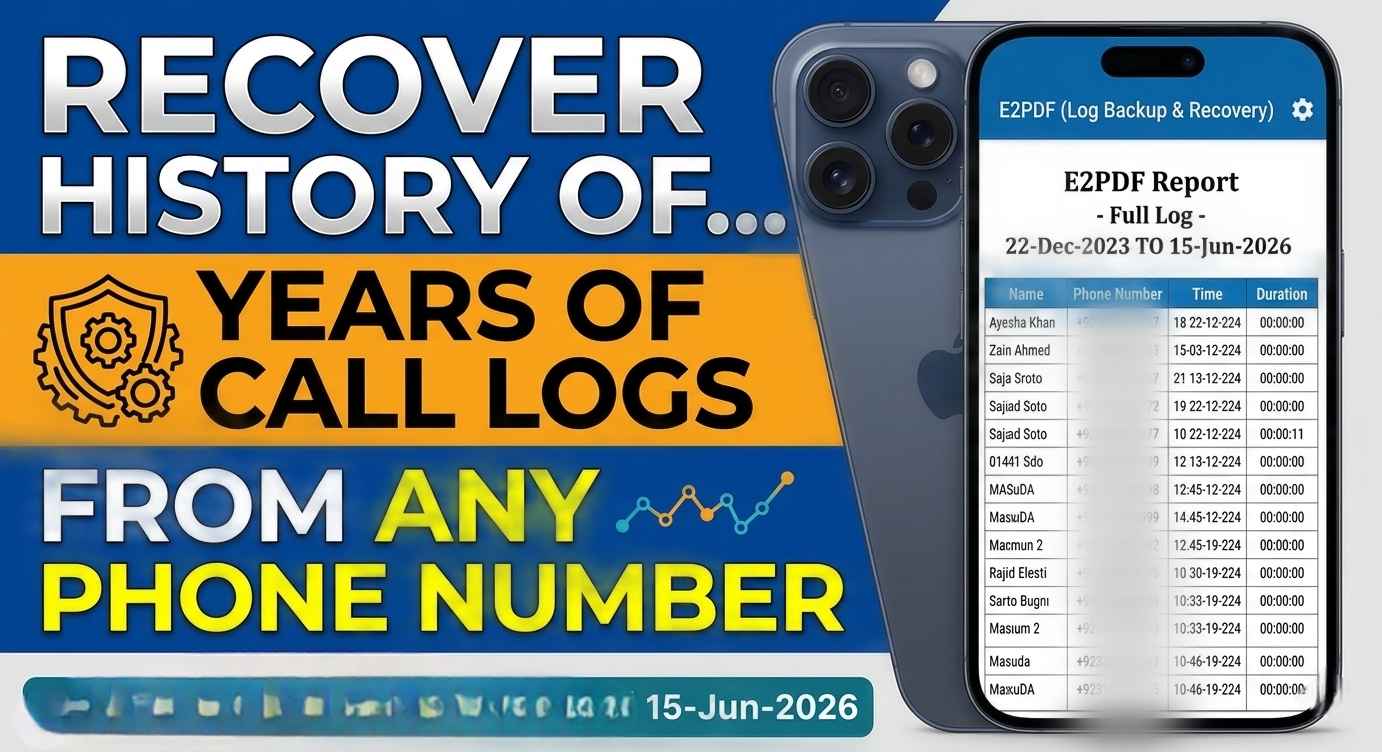
A few months ago, I needed to find a phone number that had called me several times. The problem was that I had already deleted the call from my phone, and I couldn’t remember the number at all.
At first, I thought the information was gone forever. Then I discovered that most mobile network providers keep records of calls made and received on your SIM card account. Once I checked through my carrier’s official service, I was able to find the number within minutes.
If you’ve ever accidentally deleted your call log, changed phones, reset your device, or simply need to review your own call records, this guide will show you the safe and legal ways to do it in 2026.
What Is SIM Card Call History?
Call history is a record of calls connected to your mobile number. Depending on your carrier, it may include:
- Outgoing calls
- Incoming calls
- Missed calls
- Call duration
- Date and time of calls
Keep in mind that call history belongs to the account holder. Mobile operators protect this information for privacy and security reasons.
Method 1: Check Call History Directly on Your Phone
The first place I always check is the phone’s built-in call log.
On Android
- Open the Phone app.
- Tap the Recents or Call History section.
- Scroll through recent calls.
- Tap a number for more details.
On iPhone
- Open the Phone app.
- Tap Recents.
- Review incoming, outgoing, and missed calls.
This method is quick, but it only works if the call records haven’t been deleted.
Method 2: Use Your Mobile Carrier’s Official App
Most telecom companies now provide detailed account management apps.
I personally prefer this option because the records are often available even if I’ve switched devices.
Typical steps:
- Download your carrier’s official app.
- Sign in with your mobile number.
- Verify your identity using an OTP.
- Navigate to Usage, Activity, or Call Details.
- View available call records.
Many providers also allow you to download usage reports directly from the app.
Method 3: Check Through the Carrier Website
If you don’t want to install an app, the carrier’s website can be just as useful.
Steps
- Visit your network provider’s official website.
- Log in to your customer account.
- Open account usage details.
- Look for call history or call records.
- Download the report if available.
Some providers offer PDF statements that include call activity for a selected billing period.
Method 4: Request a Detailed Bill
This is the method that helped one of my friends when he needed records from several months earlier.
Most network operators allow account holders to request itemized billing statements.
These statements may include:
- Phone numbers contacted
- Call dates
- Call duration
- Charges
Requirements often include:
- Valid identification
- Proof of ownership of the SIM card
- Account verification
Because policies vary between providers, contact customer support for the latest requirements.
Method 5: Contact Customer Service
When online tools don’t provide enough information, customer support can help.
In my experience, support agents usually ask for:
- SIM ownership verification
- National ID or account details
- Security verification questions
Once verified, they can explain what records are available and how to obtain them.
What If the Call Log Was Deleted?
This is one of the most common questions people ask.
If the call log was deleted from the phone:
- Check your carrier account first.
- Look for cloud backups.
- Review old billing statements.
- Contact customer support.
In many cases, the network provider may still have records available according to its retention policy.
Common Mistakes People Make
1. Using Unknown Apps
I see many websites claiming they can reveal anyone’s call history instantly.
Most of these tools are unreliable and may compromise your privacy.
Always use official carrier services.
2. Sharing OTP Codes
Never share verification codes with anyone.
Your OTP protects access to your account information.
3. Expecting Unlimited Records
Carriers don’t always store call records forever.
Older records may no longer be available depending on company policy and local regulations.
4. Using Third-Party Websites
Some websites promise complete call details after entering a phone number.
Be cautious. Legitimate call records are generally available only to the account holder through authorized channels.
Real-Life Example
Last year, I upgraded to a new phone and forgot to transfer some important information. A few weeks later, I needed the number of a service technician who had called me earlier.
The call wasn’t on my new device, so I logged into my carrier account and checked my recent activity. Within a few minutes, I found the number and solved the problem.
That experience taught me that keeping access to your carrier account is often more valuable than relying solely on your phone’s call log.
Privacy and Legal Considerations
Call history contains personal information.
For that reason:
- Access only your own records.
- Use official carrier services.
- Follow local laws and regulations.
- Respect other people’s privacy.
Mobile operators are required to protect customer data and generally will not provide call records to unauthorized individuals.
Helpful Tips for 2026
- Keep your carrier account credentials secure.
- Enable two-factor authentication if available.
- Save important contacts immediately after calls.
- Back up your phone regularly.
- Download monthly usage reports when needed.
These simple habits can save a lot of time later.
Final Thoughts
Losing call records can be frustrating, especially when you’re trying to find an important number. The good news is that in 2026, most mobile carriers provide several official ways to access your own call history.
Start by checking your phone, then look at your carrier’s app or website. If you need older records, customer support or itemized billing statements are usually the best options.
Most importantly, avoid unofficial tools that claim to provide anyone’s call details. Using legitimate carrier services is safer, more reliable, and protects your privacy.