A few months ago, I noticed something frustrating. Every morning, I would unplug my phone after charging all night, yet somehow the battery still felt weak by lunchtime. On top of that, my charging setup looked like a tangled mess of cables on my desk.
At first, I thought my phone battery was getting old. But after trying a few simple changes, I realized the problem wasn’t always the battery itself. My charging habits, charger quality, and even some phone settings were slowing everything down.
The surprising part? Once I fixed those small issues, my phone started charging noticeably faster, and my charging area looked much cleaner and more modern.
If you’re tired of waiting forever for your phone to charge or you want a cleaner, more stylish charging setup in 2026, these practical tips can make a real difference.
Why Phones Sometimes Charge Slowly
Many people immediately blame the battery when charging becomes slow. I made the same mistake.
After testing different chargers and cables, I discovered several common reasons:
- Low-quality charging cables
- Weak charging adapters
- Background apps consuming power while charging
- Dirty charging ports
- Overheating during charging
- Using old charging accessories
Even a powerful phone can charge slowly if one of these issues is present.
Start with the Right Charger
One lesson I learned the hard way was that not all chargers are equal.
A cheap charger may look identical to the original one, but performance can be very different.
When I switched back to a certified fast charger, charging times improved immediately.
What to Look For
- USB-C fast charging support
- Power Delivery (PD) support
- Quick Charge compatibility
- Trusted brands
- Safety certifications
Using a quality charger is one of the easiest ways to speed up charging without changing anything on your phone.
Replace Old or Damaged Cables
For a long time, I kept using an old charging cable that had been bent and twisted hundreds of times.
The cable still worked, so I assumed it was fine.
Wrong.
When I replaced it with a new high-quality cable, charging speed increased noticeably.
Signs Your Cable Needs Replacing
- Loose connection
- Frayed edges
- Charging randomly disconnects
- Device charges slower than before
A damaged cable can reduce charging efficiency even when the charger itself is perfectly good.
Enable Fast Charging Settings
Many modern Android phones include fast charging features that can be turned on or off.
I once accidentally disabled fast charging after a software update and didn’t realize it for weeks.
To check:
- Open Settings
- Go to Battery
- Find Charging Settings
- Enable Fast Charging or Super Fast Charging
Different phone brands use different names, but the option is usually easy to find.
Clean the Charging Port
This is one of the most overlooked fixes.
My phone once took nearly three hours to charge. I thought the battery was failing.
The real problem?
Pocket lint.
A surprising amount of dust had built up inside the charging port.
After carefully cleaning it, the charging cable fit properly again and charging speeds improved immediately.
Safe Cleaning Tips
- Turn off the phone first
- Use a wooden toothpick or soft brush
- Avoid metal objects
- Remove dust gently
A clean charging port helps maintain a strong connection between the cable and device.
Use Airplane Mode While Charging
I discovered this trick during a trip when I needed a quick battery boost before leaving the hotel.
Enabling Airplane Mode reduces background activity, network usage, and signal searching.
As a result:
- Less power is consumed
- More power goes directly into charging
- Charging can finish faster
You don’t need to do this every time, but it’s useful when you’re in a hurry.
Stop Using the Phone While Charging
We’ve all done it.
Scrolling social media, watching videos, or playing games while charging.
Unfortunately, this creates two problems:
- The phone consumes power while trying to charge
- Extra heat is generated
Heat is one of the biggest enemies of charging efficiency.
When I started leaving my phone alone during charging sessions, I noticed faster charging times and less device heating.
Remove Thick Phone Cases
Some protective cases trap heat surprisingly well.
I realized this after comparing charging speeds with and without a heavy protective case.
The phone stayed cooler without it.
Since excessive heat slows charging, removing bulky cases during charging can help improve performance.
This is especially useful during summer months.
Keep Software Updated
Software updates don’t just add new features.
Manufacturers often improve:
- Battery management
- Charging optimization
- Power efficiency
I once ignored updates for months and later discovered that one update specifically improved battery performance.
Checking for updates regularly is a good habit.
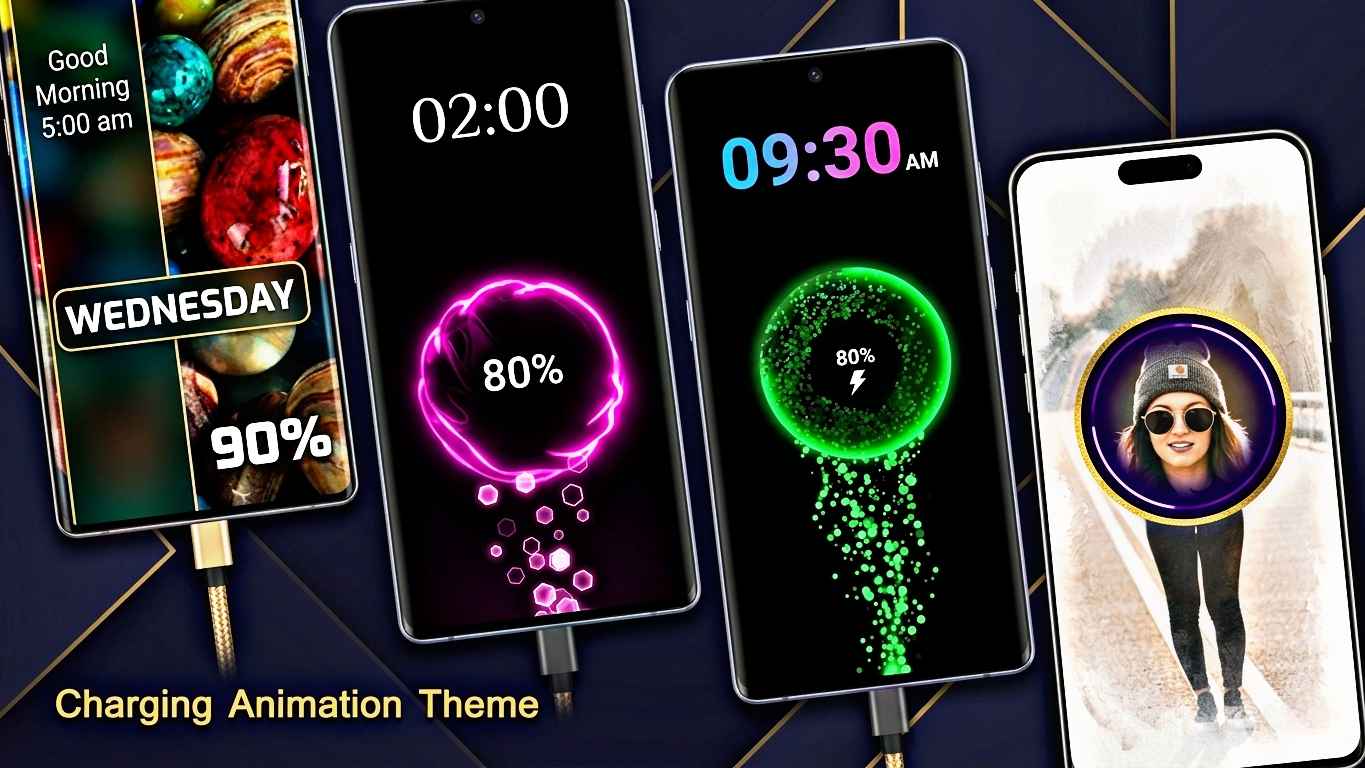
Make Your Charging Setup Look Stylish
Fast charging is great, but a clean setup feels even better.
In 2026, many people are creating charging stations that are both practical and visually appealing.
Here are some ideas that worked for me.
Use a Wireless Charging Stand
A wireless charging stand keeps your desk organized.
Benefits include:
- Less cable clutter
- Easy access to notifications
- Modern appearance
- Convenient charging
Many stands also support fast wireless charging.
Try a Charging Dock
A charging dock can hold:
- Your smartphone
- Smartwatch
- Wireless earbuds
Everything charges in one place.
The result looks much cleaner than having separate chargers scattered around your room.
Use Cable Organizers
One of the biggest improvements to my workspace came from simple cable clips.
They cost very little but instantly made my desk look organized.
Benefits include:
- No tangled cables
- Easier access
- Cleaner appearance
- Better cable lifespan
Add LED Charging Accessories
Modern charging stations often include subtle LED lighting.
A soft light around your charging area can create a premium look without being distracting.
Just avoid overly bright lights that may disturb sleep at night.
Smart Charging Features in 2026
Many new smartphones now include intelligent charging systems.
These features learn your charging habits and help reduce battery wear.
Examples include:
- Adaptive Charging
- Optimized Charging
- AI Battery Protection
These systems may slow charging near 100% to protect long-term battery health.
At first, I thought my phone was malfunctioning because it stopped charging rapidly overnight.
Later I learned the feature was actually extending battery lifespan.
Common Charging Mistakes to Avoid
Over time, I noticed that many people unknowingly slow down their charging process.
Using Extremely Cheap Chargers
Saving a few dollars on a charger can lead to slower charging and potential safety issues.
Ignoring Heat
If your phone becomes very hot while charging, something may be wrong.
Excessive heat reduces charging efficiency and can affect battery health.
Charging Under Pillows or Blankets
This traps heat and creates poor charging conditions.
Always charge on a hard, ventilated surface.
Keeping Hundreds of Apps Running
Background apps consume power continuously.
Closing unnecessary apps can improve charging performance.
Waiting Until 0% Every Time
Modern batteries don’t need to be completely drained before charging.
Frequent deep discharges can increase battery stress over time.
A Real-Life Charging Upgrade That Worked for Me
One weekend, I decided to completely upgrade my charging setup.
I replaced my old charger, bought a certified USB-C cable, cleaned my charging port, and added a wireless charging stand to my desk.
The difference was bigger than expected.
My phone charged faster, the desk looked cleaner, and I stopped dealing with messy cables every day.
The total cost wasn’t huge, but the improvement in daily convenience was noticeable.
Final Thoughts
Making your phone charge faster in 2026 doesn’t usually require expensive upgrades. Small improvements like using a quality charger, replacing worn-out cables, cleaning the charging port, and reducing heat can make a surprisingly big difference.
At the same time, creating a stylish charging setup can make your workspace or bedside table look more organized and modern. A simple charging stand, cable organizer, or docking station can transform a messy corner into something that feels clean and premium.
The best approach is combining both speed and style. When your phone charges efficiently and your setup looks great, it’s one of those small upgrades that makes everyday life a little better.